
In The Business Standard Meet the team behind Marvella ↗
The Wider CollectiveStart a project

Ad creative, email and social assets

An ad has a moment to earn someone’s attention. An email can give an interested reader the details they need. A social post might be the piece they send to a friend. We write and design each one for the place it will appear and the action someone can take there.

What should someone notice first?

GenderGP · T-Party
01

What should someone notice first?

For an event, the answer changes as the date approaches. A first announcement needs to tell people what’s happening and why they might want to come. A reminder goes to someone who has already decided. Put the date, time and arrival details where they can find them on a phone. After the event, a photograph or a moment from the room gives people a reason to look again.

We make those decisions before laying out the artwork. For each piece, we agree on who will see it, what they already know and which detail deserves the most space.

  • Whowill see it
  • Whatthey already know
  • Which detaildeserves the most space
02

What the work covers

  1. 01

    Ad creative · Give the opening a clear job

    We choose the image, line or opening shot that gives someone a reason to pause. For a product demonstration, that might be the product already in use. For an offer, it might be the price and who qualifies. We then check that the promise in the ad carries through to the page people reach when they click.

    You review the headline, visual and call to action together, with variations that let your media team test a specific choice, such as the opening image or the offer wording.

  2. 02

    Email · Write for the inbox and the open message

    The subject line and preview text are the first piece of creative a recipient sees. We write them together, then build the email around the reason someone opened it. An invitation needs a clear way to reply. A product announcement may need a photograph, a short explanation and a link to the range. A reminder should put the practical details within reach.

    You review subject line and preview text options, the email copy and layout, and a mobile view showing the reading order and primary link.

  3. 03

    Social assets · Work with the way people use the format

    A single image can carry a date or an offer someone wants to save. A carousel gives a sequence of details room to unfold. A reel lets a person speak or an experience play out. We decide what belongs in the visual, what belongs in the caption and what someone should still understand if they watch with the sound off.

    You review the agreed posts in context, including carousel frames in order, reel covers and on-screen text, story versions and captions paired with the right artwork.

03

From the portfolio

GenderGP

The T-Party, from invitation to recap

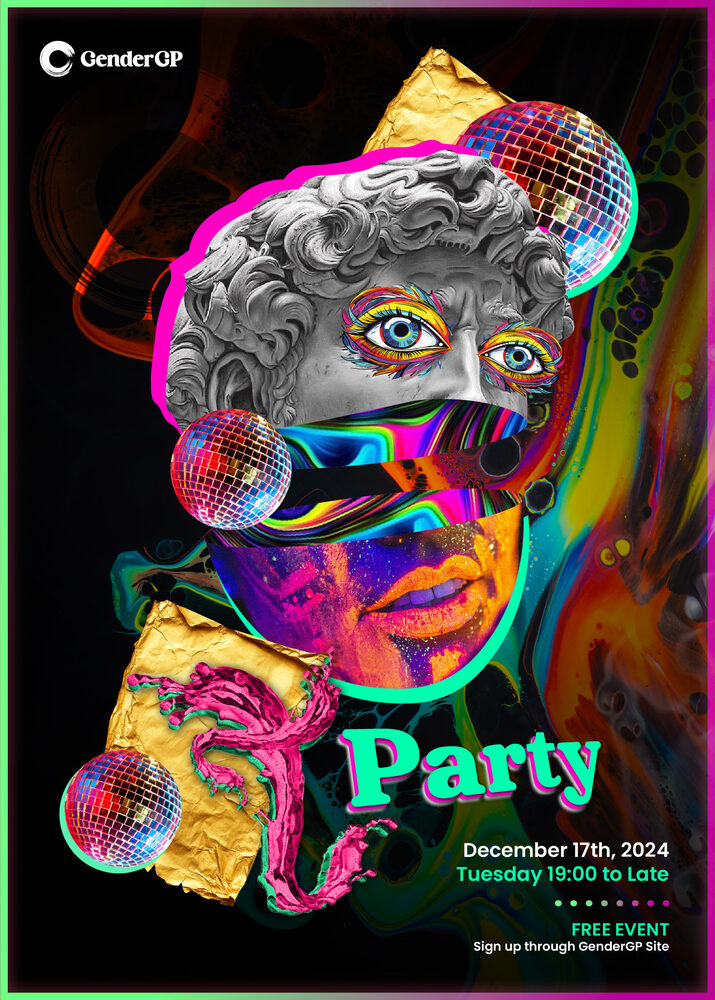
On 17 December 2024, GenderGP brought members of its community and invited creators together in Birmingham for the T-Party. It was an invitation-only event. The invitation had a specific audience and a practical job. The people receiving it needed to understand what they were being invited to and how to take part.

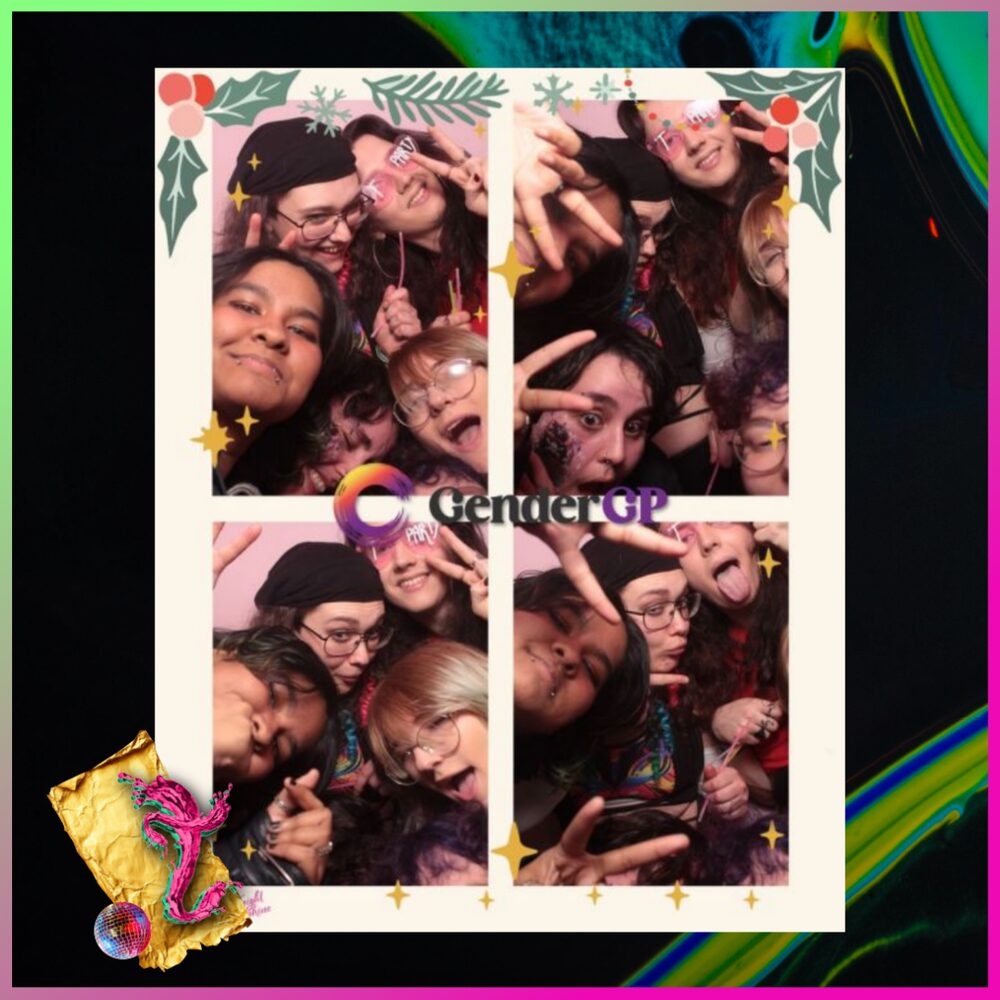
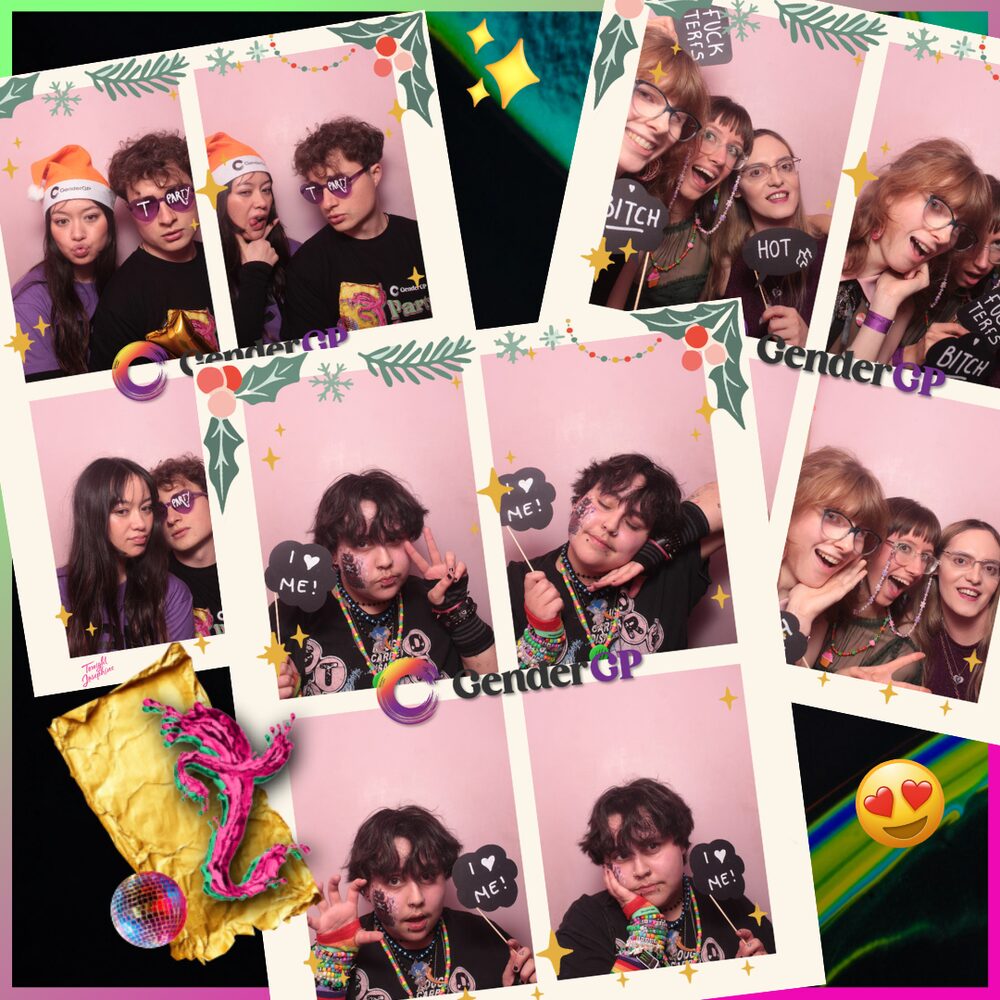
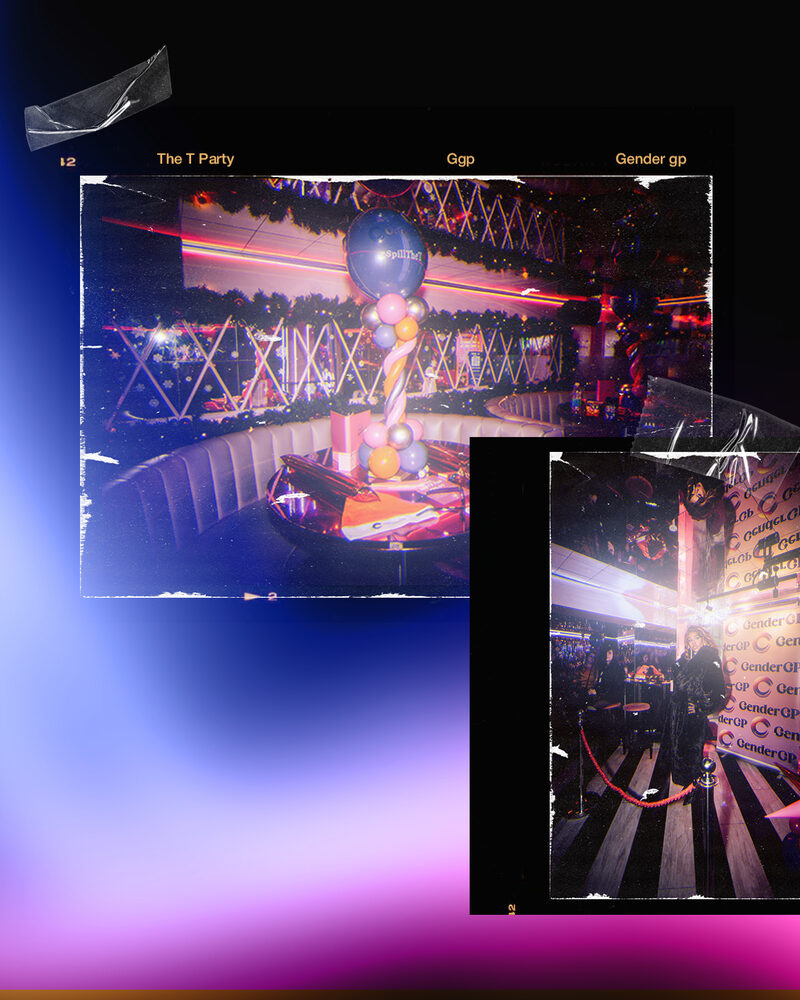
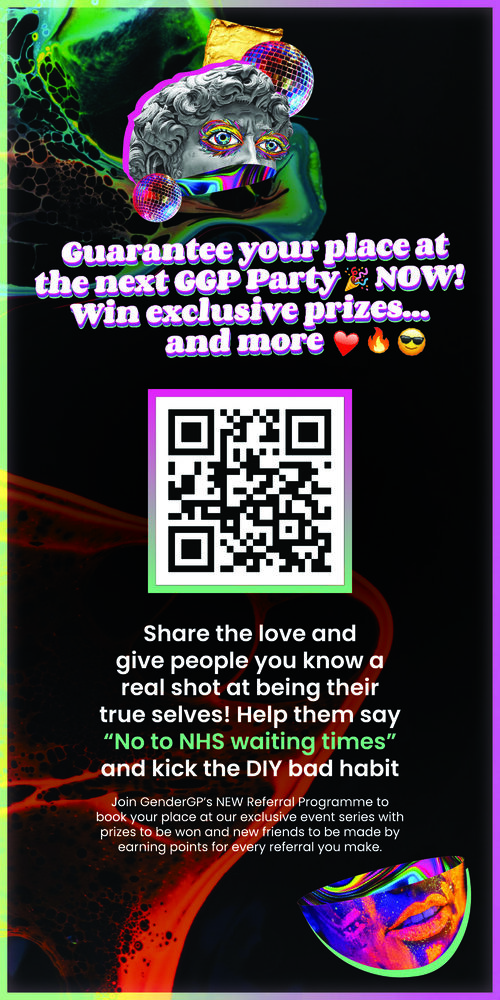
TWC coordinated attendees and created the invitations, event poster, photo-booth artwork and social content. The invitation introduced the event. The booth artwork placed its identity inside the photographs guests took. Afterwards, event coverage and a recap reel gave the wider community a way to see what had happened in the room.

Explore the GenderGP T-Party
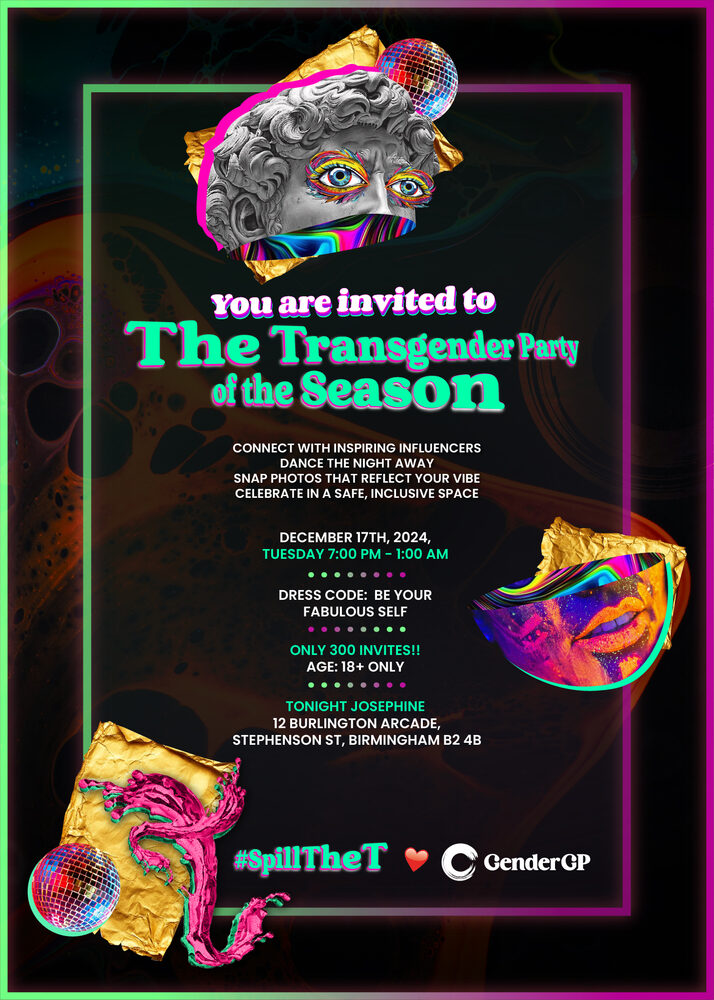
T-Party invitation
Invitation
Event poster
T-Party photo-booth strip
Photo-booth artwork
Photo-booth strips carousel
Event coverage
GenderGP

GenderGP’s ongoing social programme called for a different kind of editing. Alongside paid advertising and testimonial content, we shaped longer podcast conversations into short social cuts. The task was to find a complete thought that someone could follow on first hearing, and to keep enough of the original question for the speaker’s answer to make sense.

Explore the wider GenderGP project
04

What you leave with

A campaign asset set organised by placement. Your media buyer can find each ad variation and its matching copy. Your email team has the subject line, preview text, body and links in one place. Whoever publishes the social posts can match each export to its caption, cover and intended channel. We agree the formats, quantities and handover requirements before production begins.

Asset set · by placement
Ad variations + matching copyPaidMedia buyer
Subject, preview, body, linksEmailEmail team
Export + caption + coverSocialPublisher
05

Common questions

Can you work from a campaign idea or artwork we already have?

Yes. Send the approved concept, brand assets and placement list. We’ll identify what can carry across and where the crop, copy length or layout needs its own treatment.

Can you design for our email platform?

Yes. We review the template and platform requirements first, then agree whether you need copy and design files or a built email ready for your team to test and send.

Can we start with a small set of assets?

Yes. One offer, one audience and a few placements make a useful starting brief. We agree the fee and schedule around the number of original pieces, the adaptations and the materials you already have.

What’s going out, and where?

Send us the offer, announcement or event, along with the placements you have in mind. If the dates are booked or the artwork already exists, include those too. We’ll map out what each piece needs to say and what your team needs in hand for launch.

Talk to TWC about campaign creative ↗
More in Campaigns & media
Creative strategy and campaign designMedia buying and out-of-home planningSocial management and paid advertising
← Back to Campaigns & media